Traverse Standard v11.0
Cash Flow Report
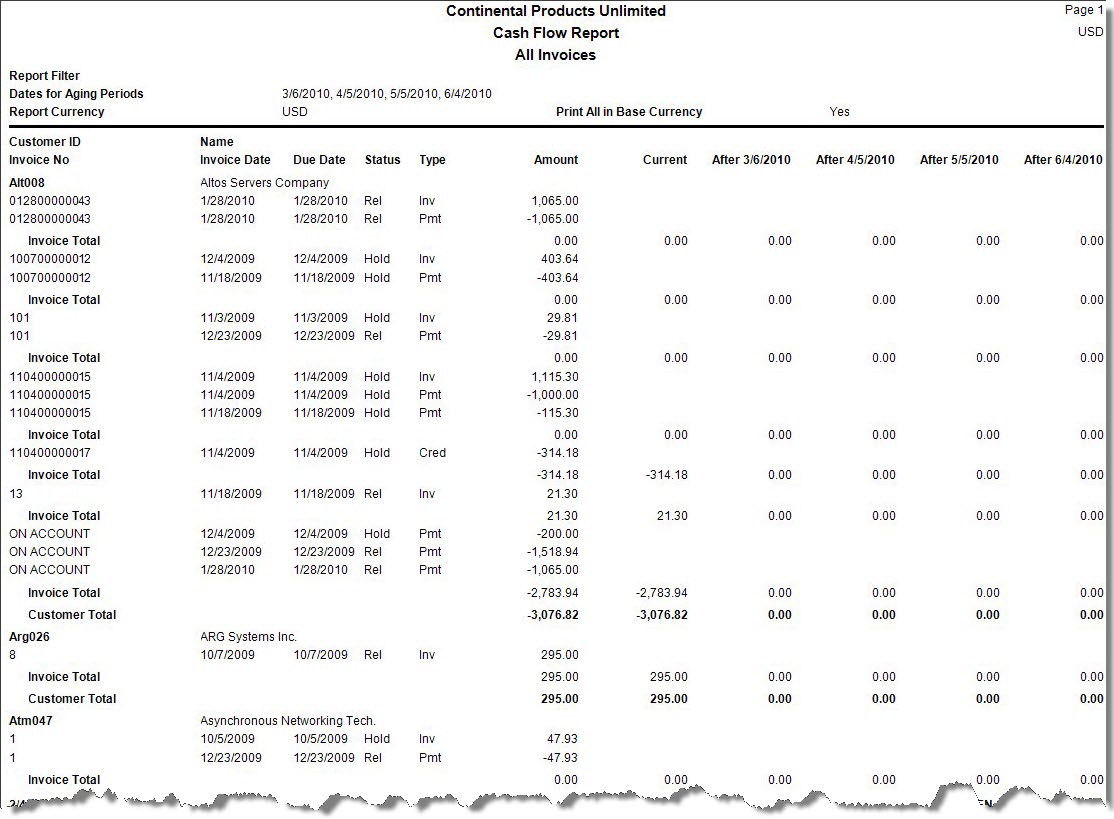
The Cash Flow Report shows the amount of cash you can expect to receive from open invoice accounts for the current period and four future collection periods. This information helps you estimate the cash position of your business and make sound planning decisions. The customer information contained in the Cash Flow Report is from the Open Invoice and the Customer functions.
- Use the Data Filter to select the range of filtering options or leave the filter blank to include all available data.
- Select the type of invoices to view in the report from the View section.
- Select the four dates to establish aging periods from the Enter Four Dates for Aging Periods section.
Note: Enter the dates in chronological order, the earliest date first. - If you use multicurrency, select the Print All In Base check box to print all transactions (regardless of the currency in which they were entered) in your base, or functional, currency. Clear the check box to select a different currency from the drop-down list.
- Click a command button to
| Click | To |
| Process the Cash Flow Report. | |
| Output | Output the report as a PDF. |
| Send | Save the report as a PDF and attach it to an email using your default mail program. |
| Preview | View a preview of the Cash Flow Report. |
| Reset | Set all fields to their default values. |
 Sample Cash Flow Report